Conference App - EventMobi

Regular conference attendees cannot access the EventMobi app until Monday, March 2. At this time, only speakers, exhibitor representatives and KCM staff can access the app. If you are a registered attendee who is not a speaker, please log in to the app on Monday, March 2. If you are a speaker or exhibitor representative, please log in to the app now and review your speaker profile and session details or your company's information.

We invite you to take some time prior to the conference to browse and become familiar with the app. Set up your profile, check out the program, select the sessions that you would like to attend, view the venue map and more!
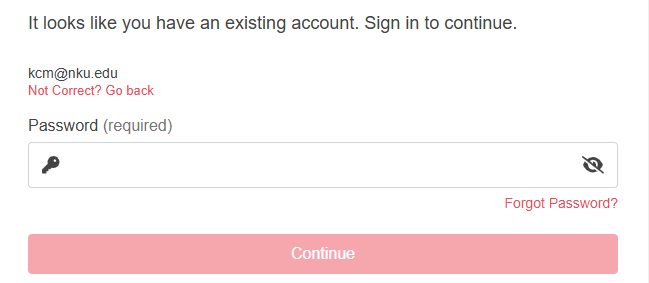
Accessing the Conference on Your Computer or Tablet

  • Go to the 2026 KCM Conference event on EventMobi.
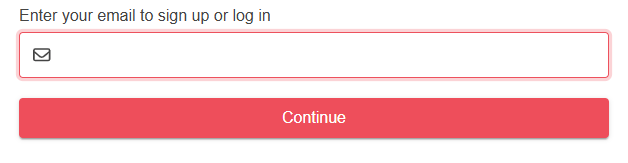
  • To log in, enter the email address that you used to register for the conference and click 'Continue'.
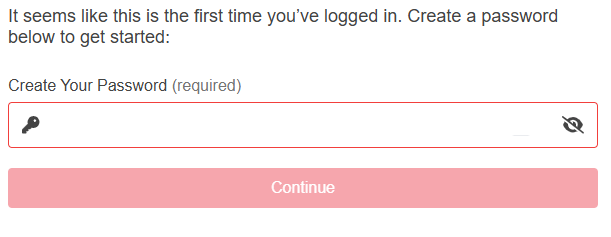
  • If this is your first login, enter a password (minimum of 8 characters, 1 letter, 1 number and a special character).


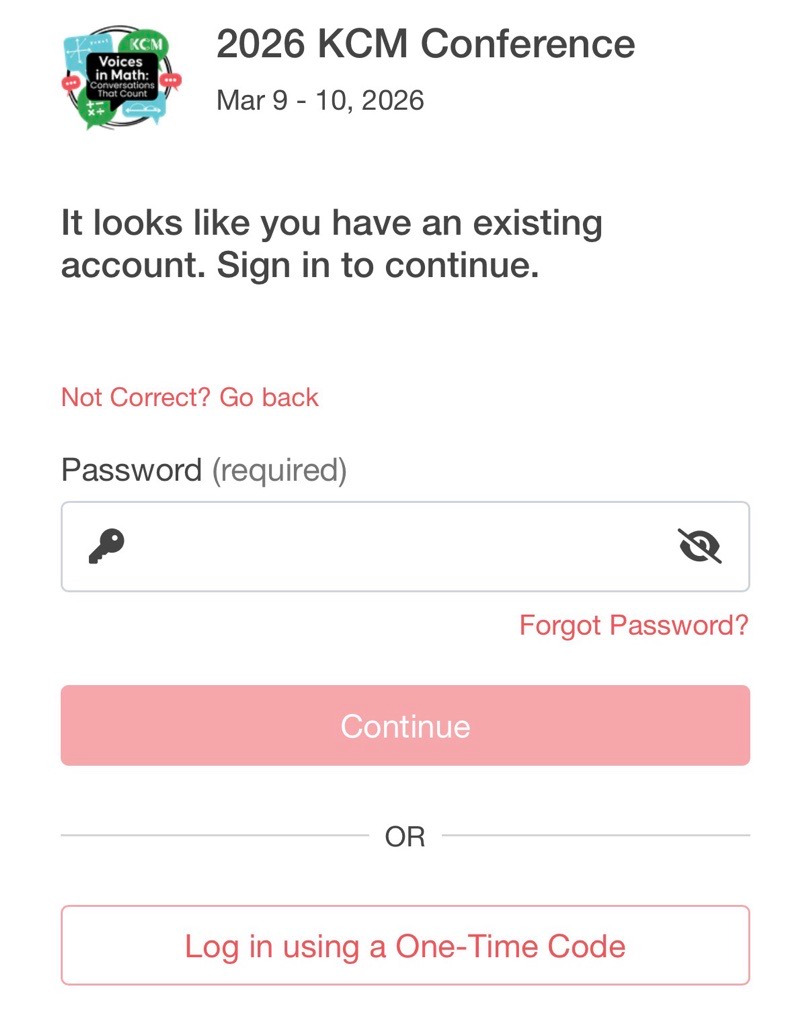
    If you have logged in before, enter your password.


    Click 'Continue' to access the 2026 Conference.

Accessing the Conference on Your Phone

  • Download the EventMobi app. Find it on the Apple App Store or the Google Play Store. You can also search for "EventMobi".
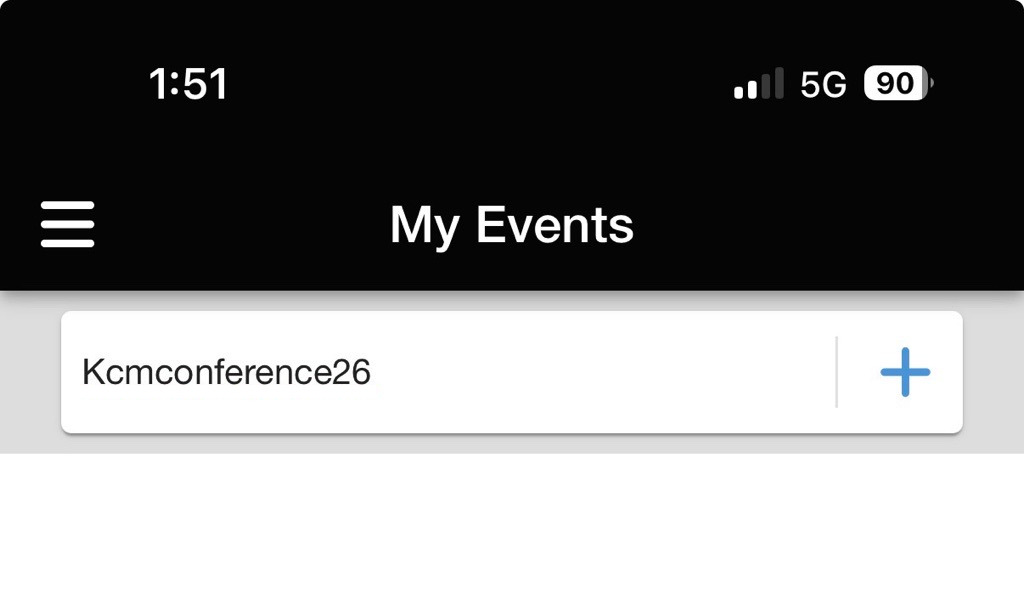
  • Open the app. You will be prompted to enter the code for the KCM Confernce. Enter kcmconference26.
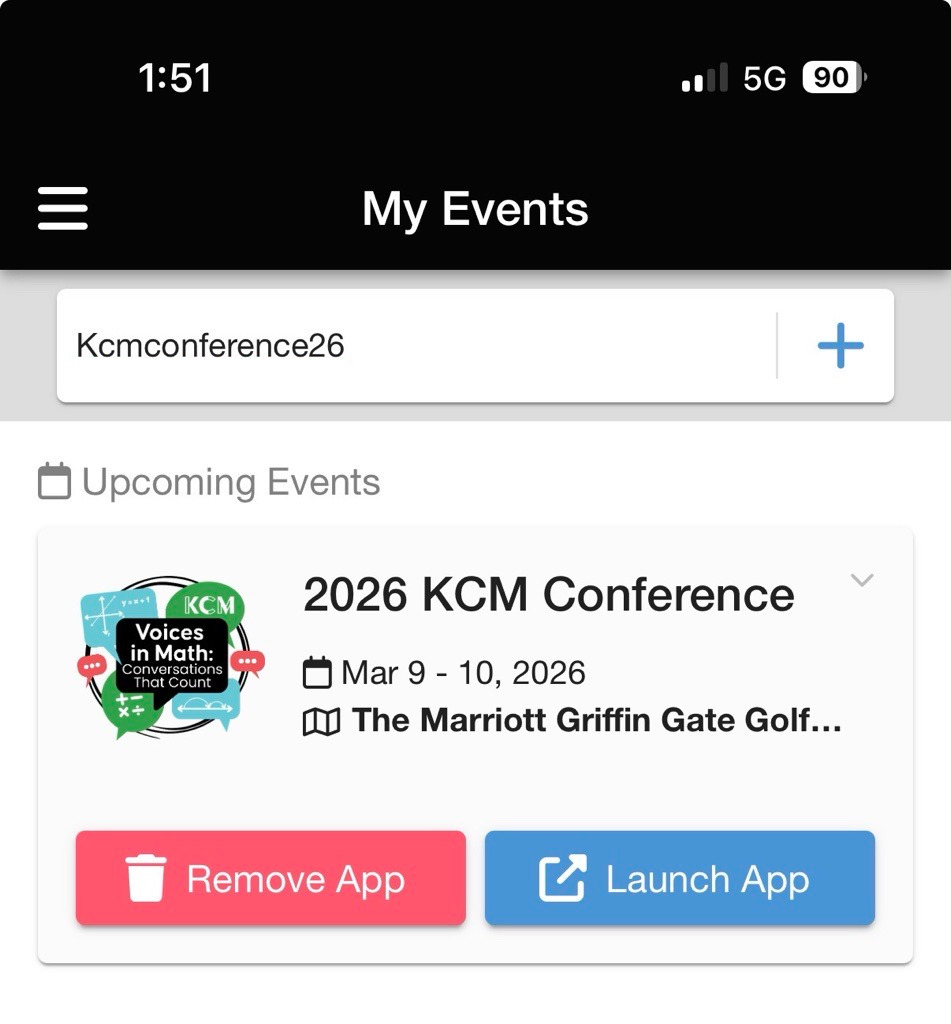
  • The KCM Conference event will be displayed. Press 'Launch App'.
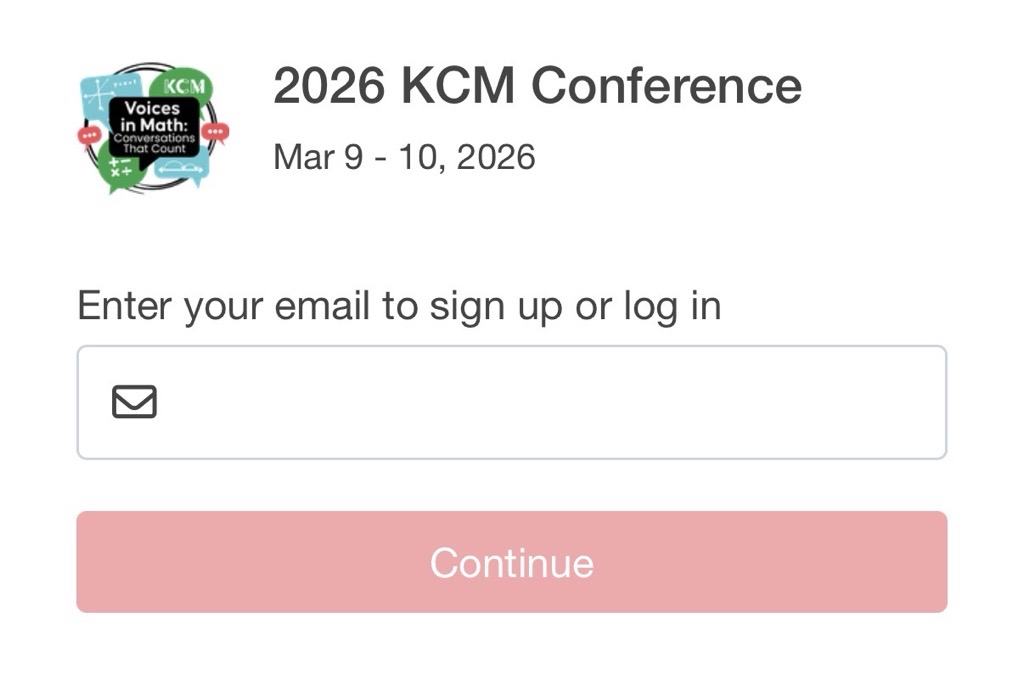
  • To log in, enter the email address that you used to register for the conference and click 'Continue'.
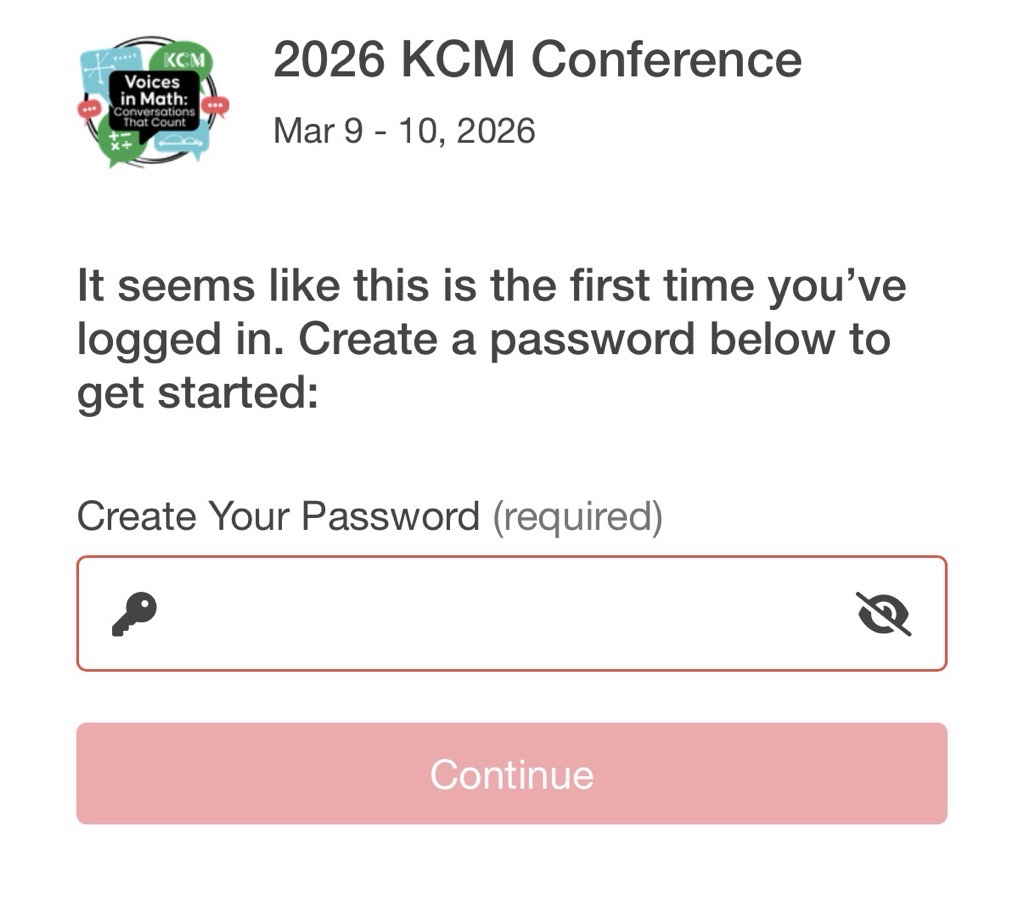
  • If this is your first login, enter a password (minimum of 8 characters, 1 letter, 1 number and a special character).


    If you have logged in before, enter your password and press 'Continue', or log in using a one-time code.


If you have any difficulties prior to the conference accessing the 2026 KCM Conference event, please contact the KCM at 859-572-7690 or kcm@nku.edu. During the conference, you may visit the Registration desk for assistance.